


MAXimizing REALITY: Tracking the Tropics
If seasonal outlooks are correct, 2021 will be another active hurricane season in the Atlantic basin. Broadcast meteorologists could track a total of 13 to 20 named storms.
With so many storms forecast this year and after a record-setting 2020 hurricane season, there’s a risk of viewer burn-out and tune-out. So how do you keep consumers connected to the weather? Furthermore, how do you differentiate your weather coverage from the other TV stations in town?
Max Reality can create unique weather content that is both engaging and helps establish broadcast meteorologists as the go-to weather expert in their community. From simple data panels to full-size 3D models that fill the studio, augmented reality can help weather teams track tropical activity before, during, and after landfall.
READ MORE: GETTING STARTED WITH MAX REALITY
Before Landfall
Because tropical cyclones are often slow-moving systems, broadcast meteorologists have several opportunities to use Max Reality to communicate important information several days before landfall.
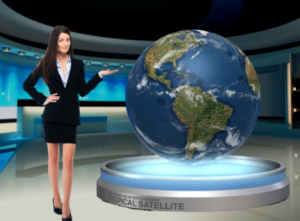
A Studio Earth cutout displayed in the Reality layer is much more captivating than a flat weather map. Use a large-scale globe to display the tropical satellite and areas of potential development. The same model could be used to display the water vapor satellite, sea surface temperatures, atmospheric moisture, wind shear, and more.

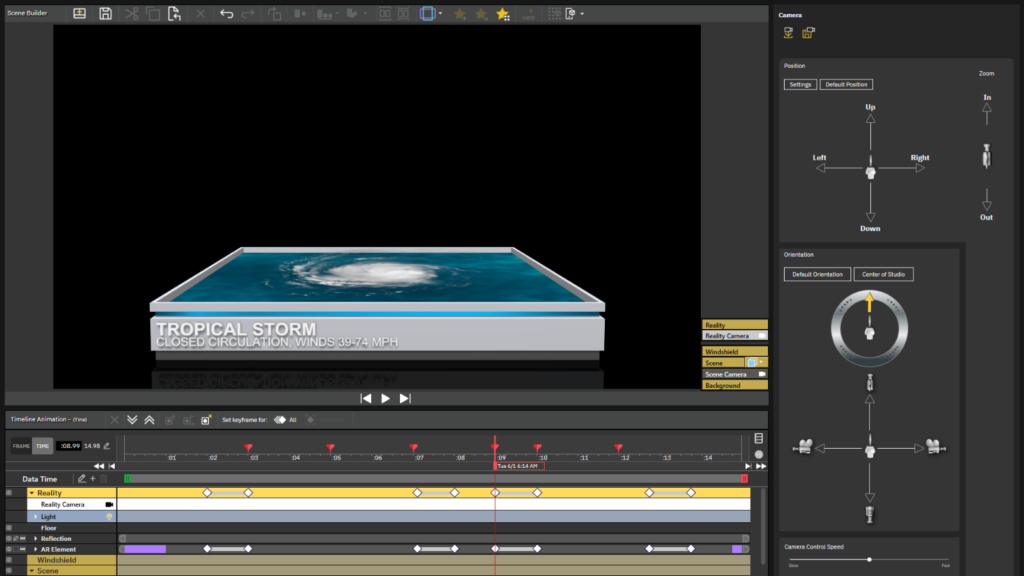
In addition to showing weather data in real-time, Max Reality scenes can be created using 3D objects, icons, polygons, arrows, etc. This allows broadcast meteorologists to create long-form explainer scenes, like the differences between a tropical depression, tropical storm, hurricane, and major hurricane.
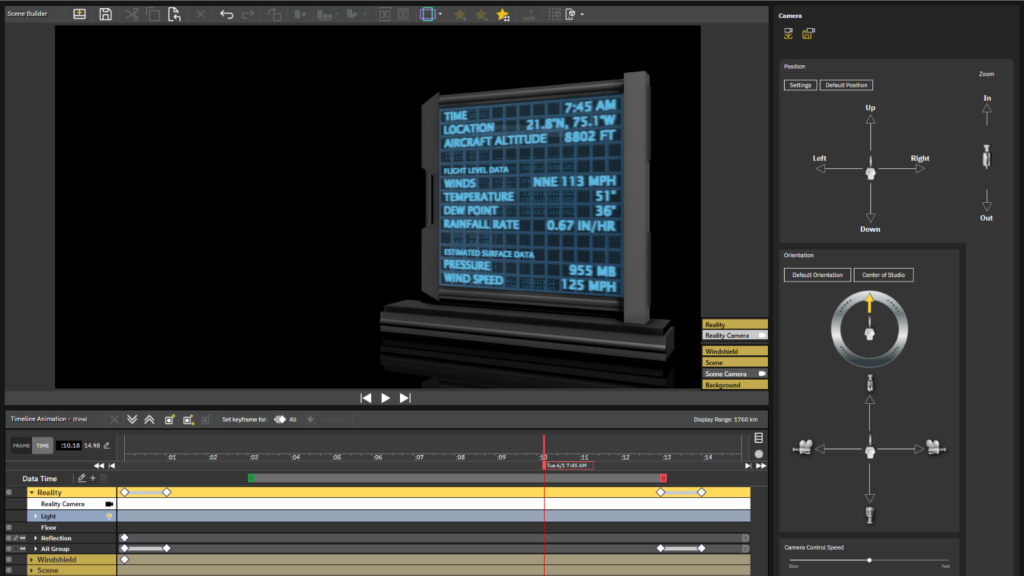
Show viewers the data collected by Hurricane Hunters as the plane flies through the storm. Use the map in the video wall or chromakey to reveal the plane’s path while a data panel in the Reality layer displays the actual flight data.
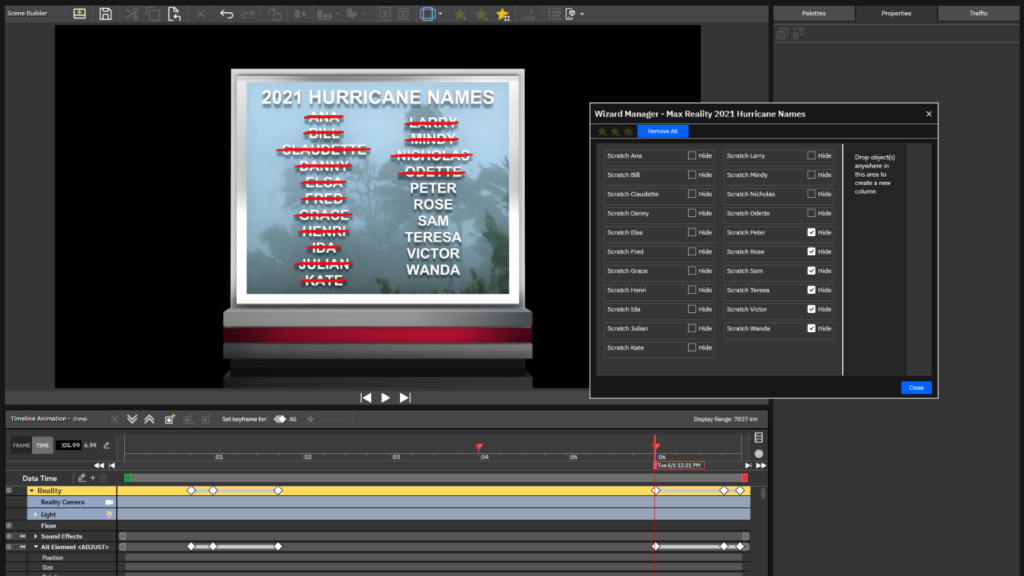
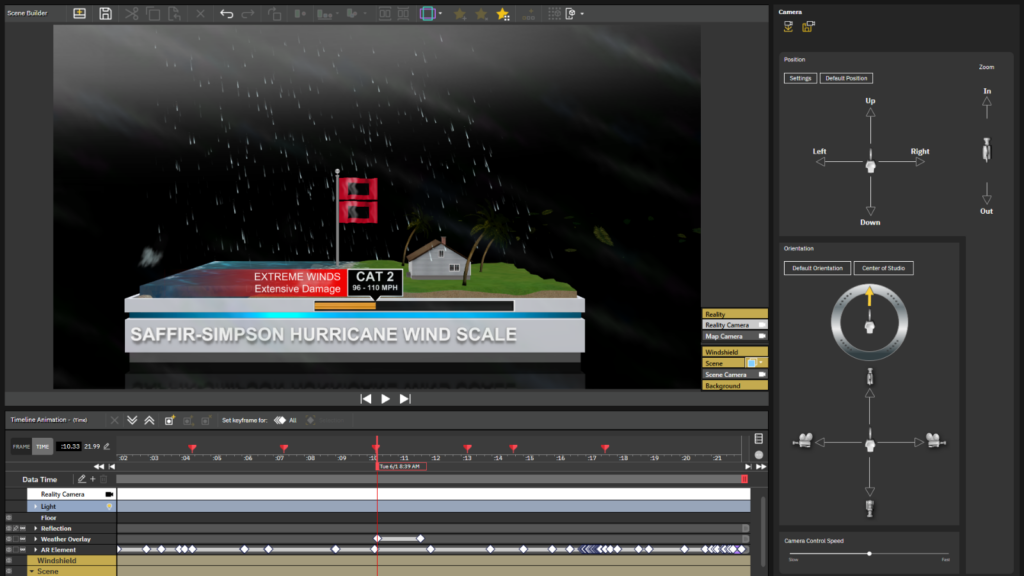
Look for content on The Weather Community website that can be converted to a Max Reality scene, like this Saffir-Simpson explainer, shown below. Here, the entire group was cut from the scene layer, pasted into the Reality layer, and positioned on top of a platform. Additional effects, including a cloud overlay and falling rain polygon, were added to help make the weather seem more authentic.
During Landfall
Viewers often think of hurricanes as one big storm, when in fact, the effects vary significantly with distance. Max Reality can emphasize the difference in the weather between locations during landfall.
Use a full-scene model to indicate the areas affected by different wind speeds or explain why the right-front quadrant of the storm is considered the “dirty” side.
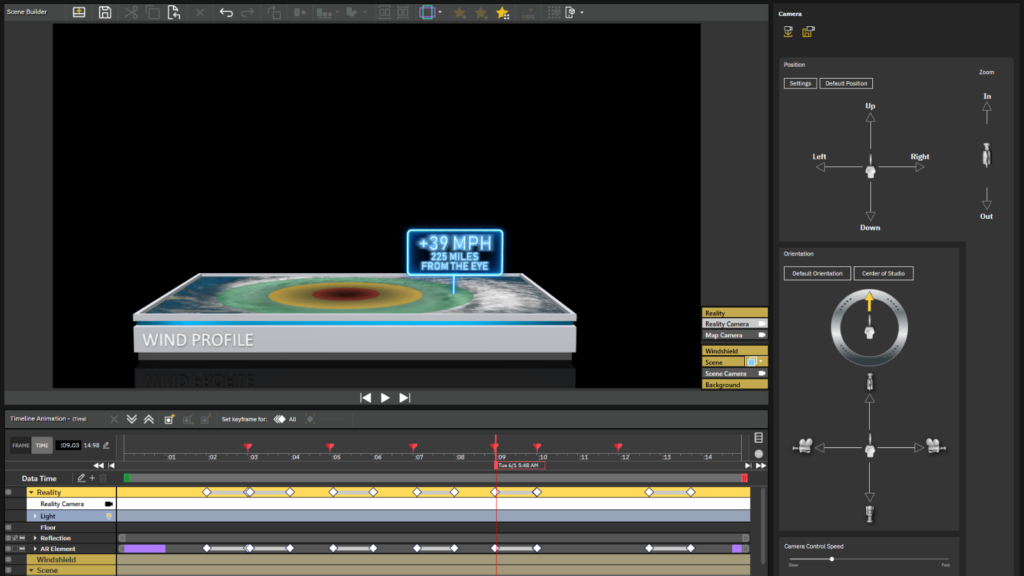
A GIS or map cutout of the Studio Earth can draw viewers’ attention to essential information, like specific locations covered by Hurricane and Storm Surge Warnings. Radar data, streamlines, and wind speeds can also be displayed on the map cutout. Set keyframes for the Map Camera view in the Reality layer to zoom into different locations.
After Landfall
Some Max Reality severe weather scenes can be used to track the effects of a tropical cyclone after landfall. For example, list a breakdown of the number of storm reports on a data panel or use a Studio Earth cutout to mark the locations of the tornado and/or wind reports.
Call attention to specific rainfall amounts on a 3D panel and keep it updated using the wizard. Use the same data panel to create another scene that lists maximum wind speeds or observed storm surge heights while a map in the chromakey or video wall spotlights the general locations of the reports.
On-Air and Online
Max Reality isn’t just a storytelling tool that can elevate the on-air broadcast. Many of these scenes can be used to create digital content that supplements and complements the on-air coverage. And if the scenes don’t use real-time weather data, they can be recorded before tropical storms and hurricanes develop on a quiet, sunny day.
Tim Heller is an AMS Certified Broadcast Meteorologist, Talent Coach, and Weather Content Consultant. He helps local TV stations and broadcast meteorologists communicate more effectively on-air, online, and on social media.